Feature · Products

Manage salon inventory—and sell products during checkout.

Keep products organized by your own categories, brands, and distributors. Track stock and stock movement per product, and add items to the bill directly from the appointment payment flow.

  • Custom categories
  • Brands & distributors
  • Product detail page
Products
Inventory snapshot
In stock
TOTAL UNITS
148
Repair Shampoo
Brand: HoneyCare · Distributor: ProSupply
24
Last movement: -1
Hydrating Mask
Brand: HoneyCare · Distributor: ProSupply
9
Low
Styling Spray
Brand: StudioPro · Distributor: BeautyHub
37
Last movement: +12
Open
Products
→
Low stock
2
Sold today
5
The problem

Inventory gets messy fast—especially with multiple products and staff.

  • Without a single source of truth, stock counts drift over time.
  • When movements aren’t tracked, it’s hard to explain why stock changed.
  • If product sales live outside appointments, checkout and reporting become fragmented.
The solution

A product system built for salon operations.

  • Create your own categories and keep brands and distributors organized.
  • Use a detailed product page with stock, movements, and history.
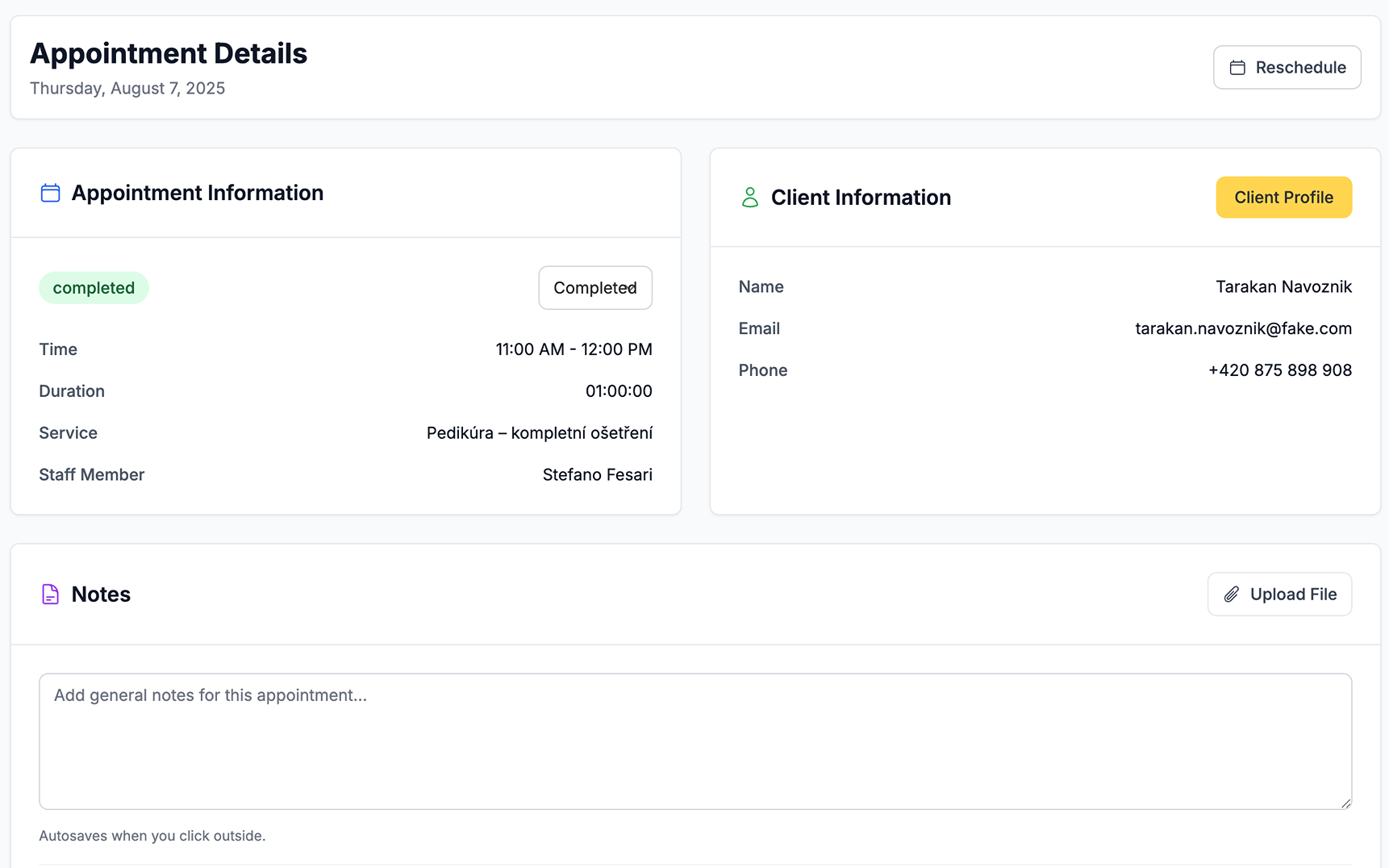
  • Sell products right from the appointment detail in the payment section.
  • Keep service revenue and product revenue connected to the same visit.
Product highlights

Inventory clarity that supports daily work.

Designed to help you stay in control without extra admin.

Custom categories

Organize products the way your salon thinks—by category, use, or brand.

Brands & distributors

Keep supplier information consistent across the team.

Product detail page

See current stock, notes, and everything that happened to that product.

Stock movement history

Track adjustments, deliveries, and sales with an audit-friendly trail.

Sell from appointments

Add products to the final bill from the appointment payment flow.

Less confusion at checkout

Staff always know what’s available and what was sold.

See how it works in three clear steps.

Set it up once, use it in daily work, and keep the whole team aligned without extra admin.

01

Set up products

Add products and organize them with categories, brands, and distributors.

02

Track stock and movements

Use the product detail page to see stock level and movement history.

03

Sell during payment

From appointment detail, add products to the bill in the payment section.

Products FAQ

Can I create my own categories?
Yes. You can structure inventory using custom categories that fit your salon.
Do products have a full detail page?
Yes. Each product can have its own detail view with stock level and movement history.
Can I see stock movements?
Yes. Movements help explain why stock changed—sales, deliveries, or adjustments.
How do I sell products to a client?
From the appointment detail page, add products in the payment section so they appear on the final bill.
Can I track brands and distributors?
Yes. Honey can store brand and distributor info so inventory stays consistent across the team.

Ready to sweeten your salon business?

Start in minutes with a 1-month free trial.

Free 1 month trial
No credit card required
Cancel anytime
Setup in 5 minutes