Feature · Waitlist

Turn cancellations into filled slots—automatically.

Honey’s waitlist helps you recover last-minute openings without chasing messages. When a slot opens, the right clients are notified—fast, fair, and on your terms.

  • Instant notifications
  • Preferences & priority
  • Calendar-first
Waitlist
Fill cancelled slots automatically
Active
NEXT OPENING
Thu · 14:30
Emma L.
Any morning
Notify
Sarah M.
Thu/Fri after 14:00
Notify
Noah K.
Weekend
Notify
Avg. fill time
~2h
Recovered slots
Up
The problem

Cancellations create costly dead time.

  • Last-minute cancellations leave gaps that are hard to fill manually.
  • Messaging clients one by one takes time and often fails.
  • Clients want openings, but tracking interest is messy.
The solution

A waitlist that fills openings for you.

  • Add clients to a waitlist with clear preferences.
  • When a slot opens, notify the best matches automatically.
  • Clients accept quickly and bookings are created instantly.
  • You stay in control with timing, limits, and priority rules.
Waitlist highlights

Recover revenue with less effort.

Designed to be fair for clients and effortless for you.

Instant notifications

Notify the right clients the moment a slot opens.

Preferences & priority

Match openings by time, service, or provider.

Calendar-first

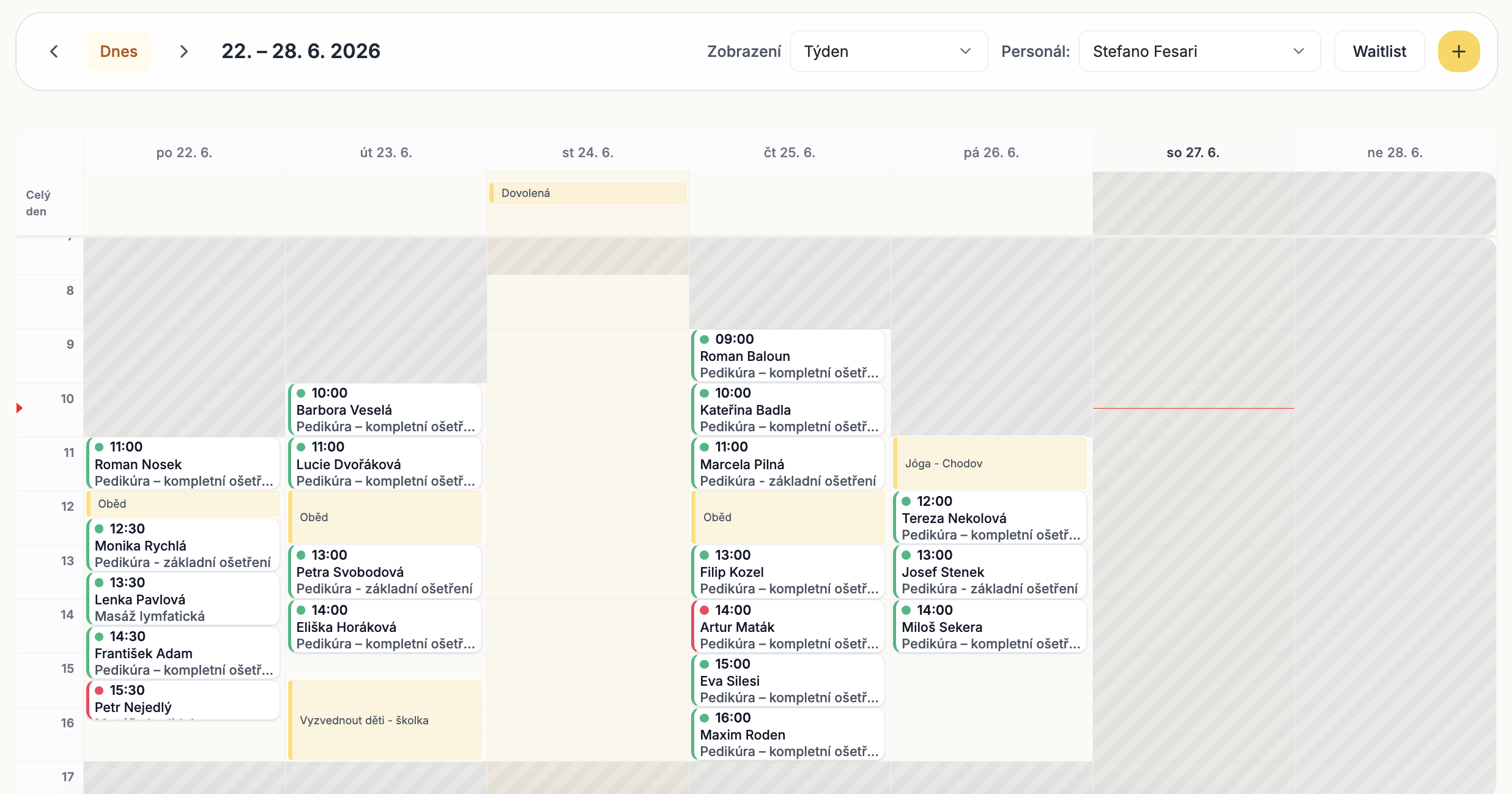
Openings are based on real availability—no conflicts.

Time-limited offers

Set short acceptance windows to fill slots faster.

Controlled exposure

Notify a few clients at a time—no mass spam.

More time recovered

Turn cancellations into booked revenue.

See how it works in three clear steps.

Set it up once, use it in daily work, and keep the whole team aligned without extra admin.

01

Add clients to the waitlist

Capture preferences like days, times, or services.

02

A slot opens

A cancellation or reschedule creates real availability.

03

Offer and confirm

Clients accept with one tap and the calendar updates instantly.

Waitlist FAQ

Do clients get spammed with offers?
No. Notifications can be sent in small batches to avoid overload.
Can clients set preferences?
Yes. Preferences like days, times, and services help match the right opening.
What if someone doesn’t respond?
Offers can expire automatically so the opening moves to the next client.
Does this sync with my calendar?
Yes. Accepted offers instantly create a booking in your Honey calendar.
Can I disable the waitlist?
Yes. You can enable or disable it based on demand and capacity.

Ready to sweeten your salon business?

Start in minutes with a 1-month free trial.

Free 1 month trial
No credit card required
Cancel anytime
Setup in 5 minutes